I Used Stacked PRs and Liked It
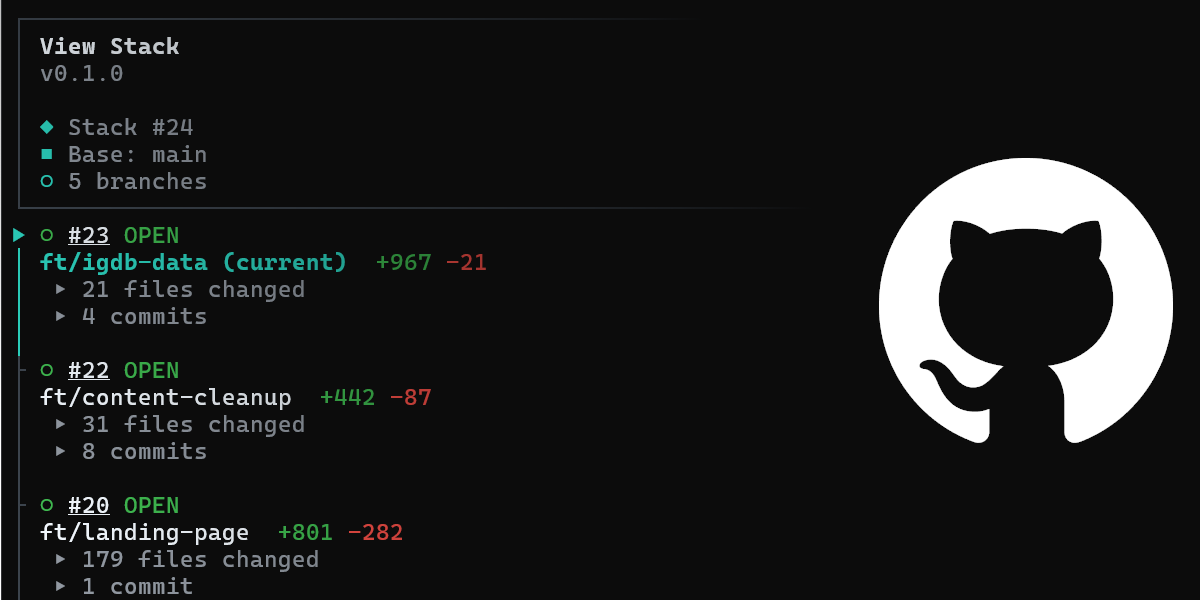
Stacked pull requests helped me organize and merge a set of dependent changes to this website—and gave me a little faith in GitHub as a platform again.
GitHub introduced a non-AI-focused feature called Stacked Pull Requests that helps you merge multiple PRs at once. This is the first feature since the introduction of Projects that has interested me in years, and it has given me a bit of faith in GitHub as a platform again.
Why Did I Use Stacked PRs?
I heard about Stacked PRs through the Western Devs (yes, we still talk, we just don't blog as much) and thought I would use them to "stack" a bunch of changes I wanted to apply to my website. My website has been something of a forever hobby project that I use to experiment with various technologies and keep my hands a little dirty when it comes to web tooling.
In any case, there were a number of features I wanted to apply to relaunch the site, but I knew it would be a massive change to the project. Between data migrations, new styling, and a new site structure, the change logs were going to be massive.
So, instead of one gigantic PR or having a bunch of PRs that I have to keep track of myself, I decided to try stacked PRs to keep track of the merge order for me.
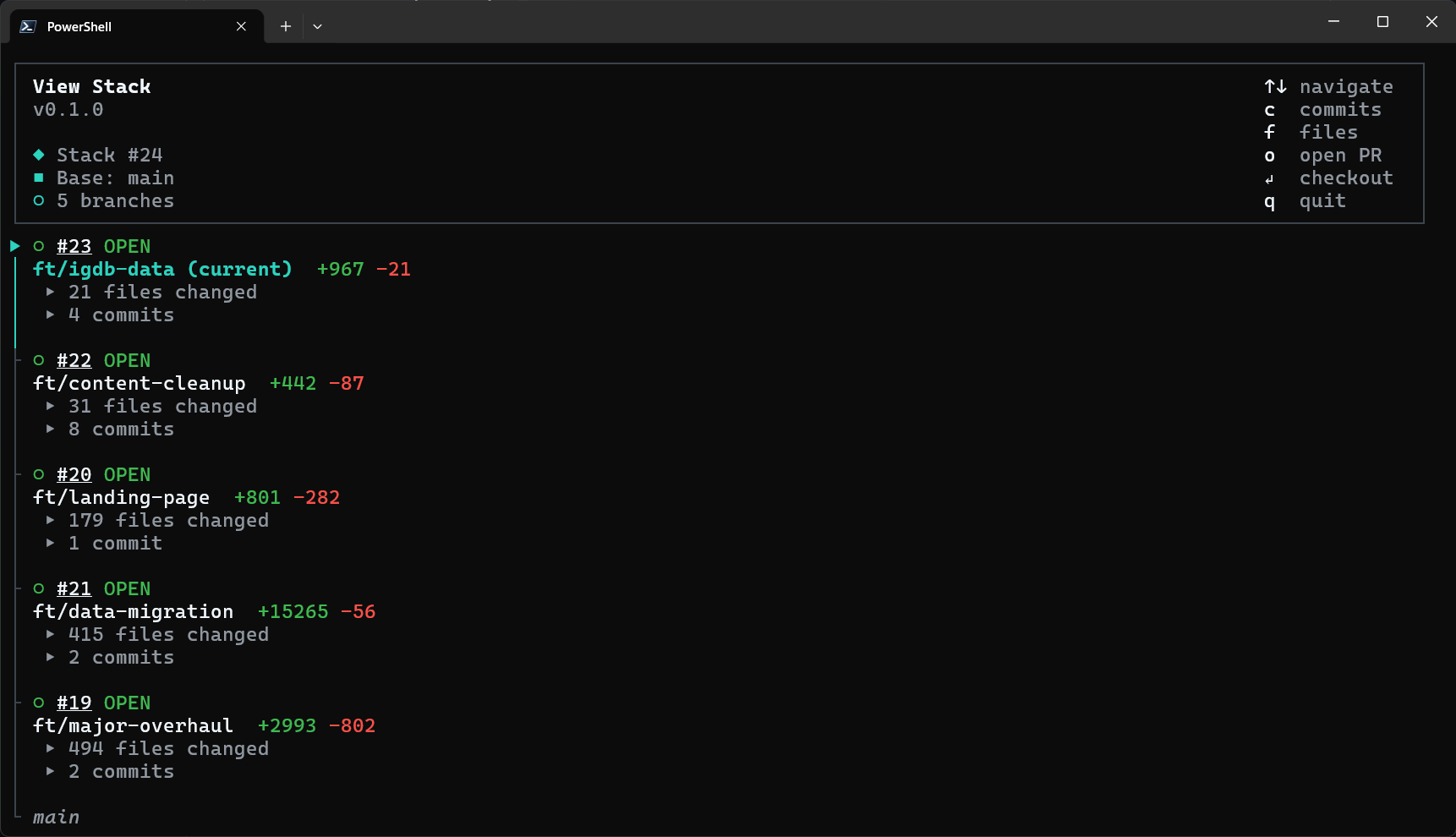
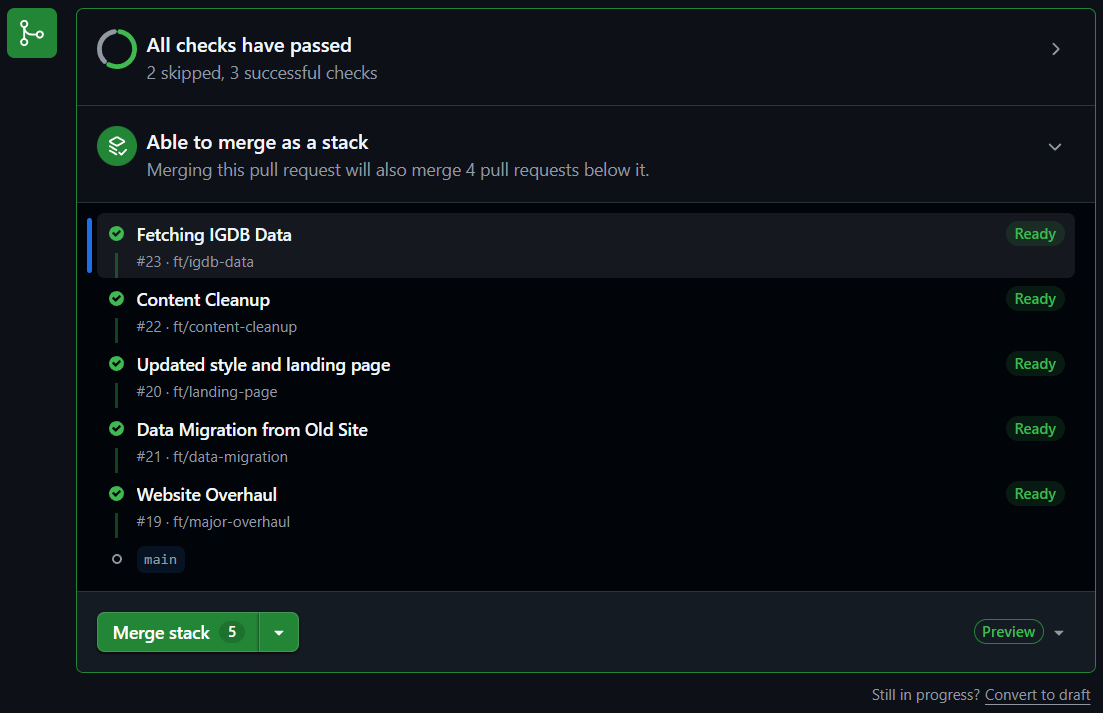
Here are a couple of images of the CLI and Web UIs for stacked PRs from GitHub that I used:
Were Stacked PRs Useful?
Put simply: yes.
It sounds like a simple task, but even keeping my side project branches organized is difficult for me. I have tried keeping notes in the PRs themselves and organizing myself around milestones, but nothing really worked because it didn't tie everything together on the workflow side of things.
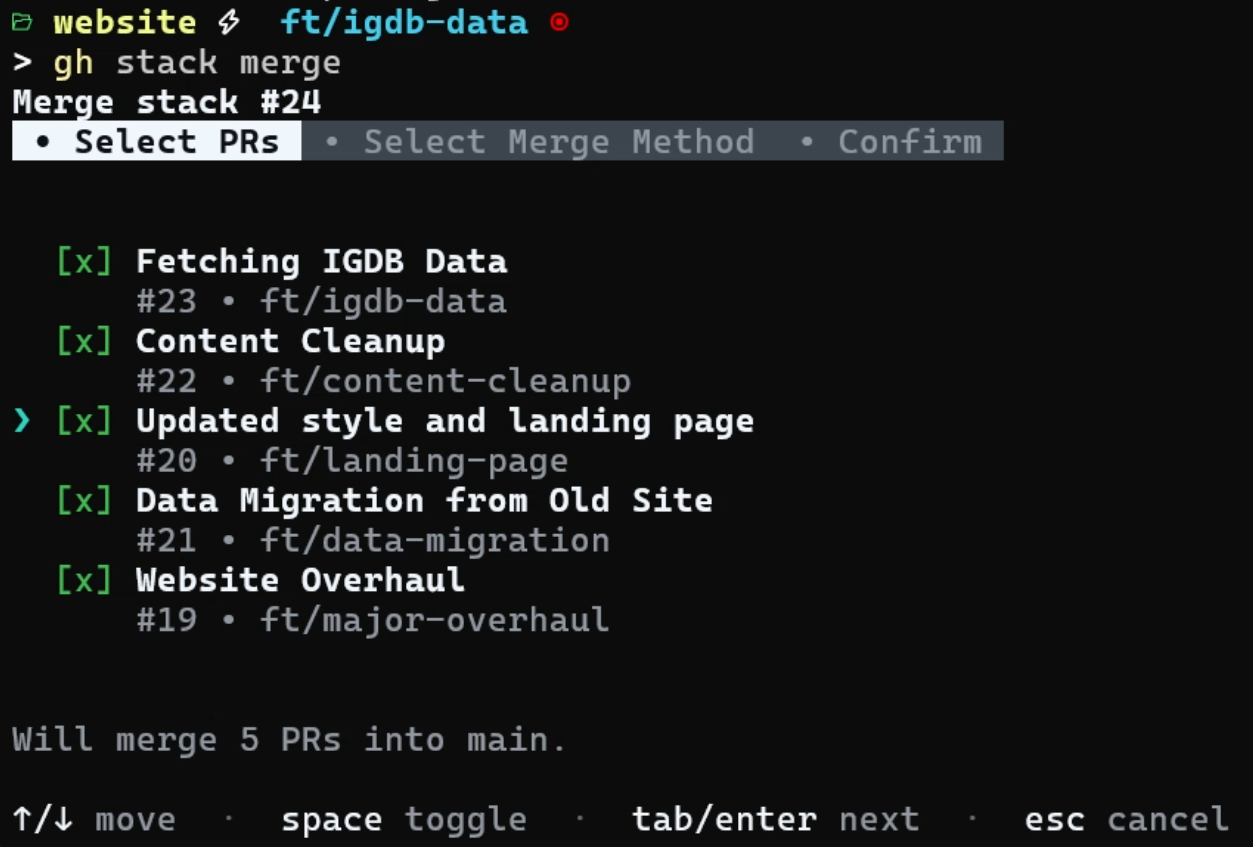
With my CI/CD pipelines in place, stacked PRs made it easy for me to order the branches properly, add new ones when necessary, and highlight where things would fail early when merging them altogether.
This Isn't Groundbreaking Though-- Is It?
No, of course not.
Honestly, I had been considering moving away from GitHub since they only seem to talk about generative AI coding. I'm not against AI coding, but that isn't the ONLY reason I use GitHub. In fact, I don't use GitHub Copilot; I use Codex for AI code assistance.
My point is that GitHub is a social coding platform with DevOps tooling, and if they aren't in that business anymore, then I should take the time to learn a toolset that does care about DevOps tooling.
I will save that for another post.